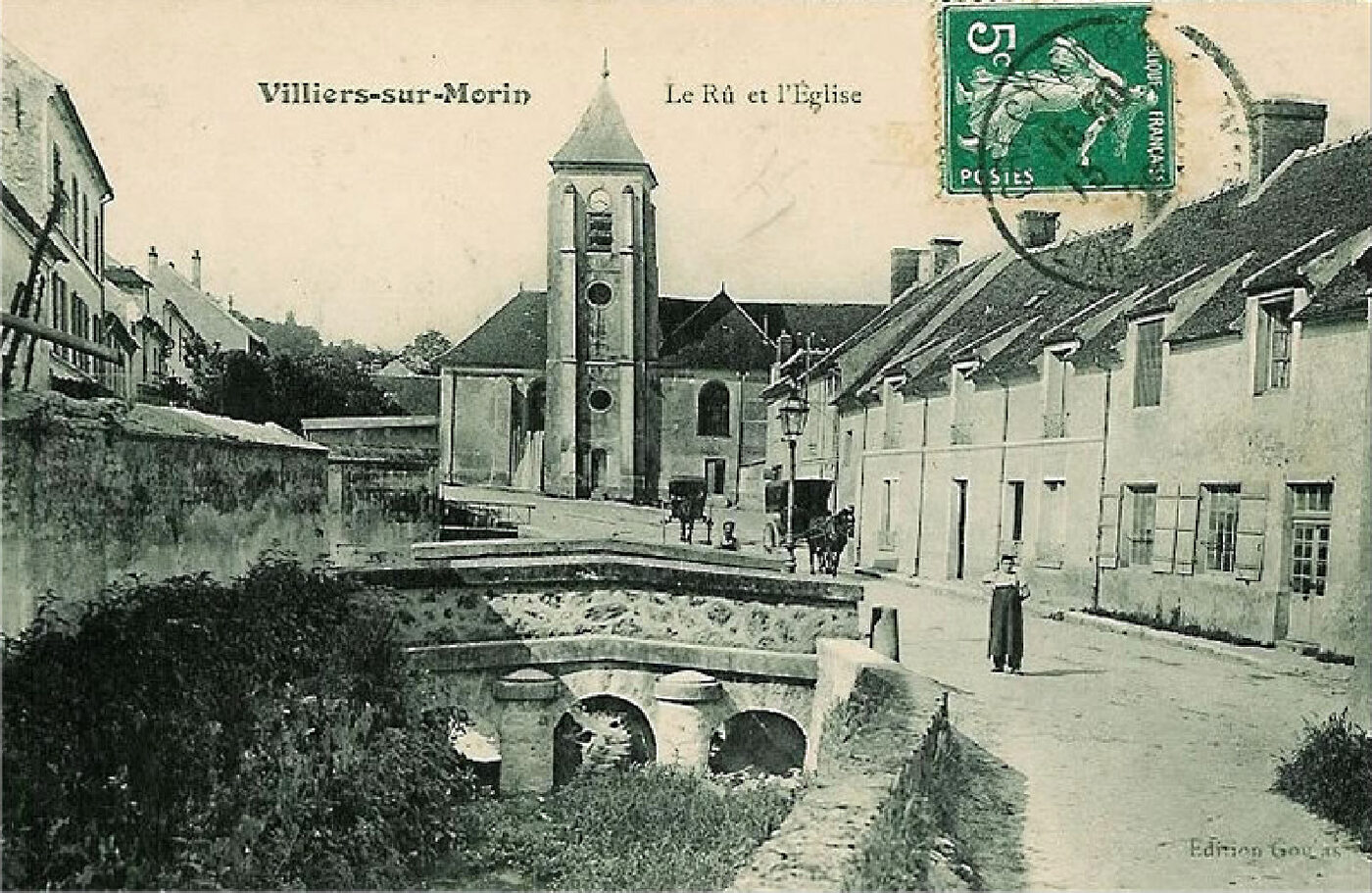
Villiers-sur-Morin, the Bié and the church, old postcard
If your phone does not have a built-in QR code reader, you can download a free QR code reader app from the Play Store (Android) or the App Store (iPhone). Once installed, scan the QR code: the experience opens directly in your browser, with no other app to download.
No. The experience launches directly in your phone's browser: scan the QR code on the panel, allow access to the camera, and the painting appears in the landscape. There is nothing to install.
Check that your browser is up to date (Safari on iPhone, Chrome on Android) and that you have allowed access to the camera.
To place the easel, tap “Place the easel in my space”, then point the phone at the ground and move it gently for a few seconds: you need a well-lit, clear surface.
If the problem persists, close the tab and scan the panel’s QR code again.
We recommend using earphones or headphones, especially outdoors. Also remember to check the volume on your phone.
The “Main work” and “Secondary work” buttons appear at the top of the screen once the easel has loaded, before you enter augmented reality. Choose the work, then tap “Place the easel in my space”.
To switch works, leave augmented reality, choose the other work and start again. At stop 2, only the main work is offered.
Yes. The visit is designed to be followed at your own pace. At the bottom of each stop page, links to the previous and next stops, as well as the Villiers trail page, let you move freely from one stop to another.
You can pause or resume the story at any time with the “Listen to the story” button.
Our immersive trail lets you discover the artists, their works and their story. To go further and deepen your knowledge, you can consult the notes on all the works, artists and themes, written by specialists and art historians, available on our website.
Yes, entirely. The trail is freely accessible, 24 hours a day, and the augmented reality experience costs nothing.
The immersive trail of Villiers-sur-Morin comprises eight panels (one welcome panel and seven stop panels), spread along a route of about 2.1 km. Allow about 47 minutes of walking, and 1.5 to 2 hours including the stories, the augmented reality and the notes.
Augmented reality requires a phone and an Internet connection. The trail can be walked without them: the panels remain readable and the website helps you prepare the visit in advance.
The trail is open to everyone. The content has been designed to be enjoyed by adults and families alike. Children can make the most of the experience when accompanied by an adult.
The trail follows outdoor paths whose accessibility may vary from one section to another. We invite you to contact Coulommiers Pays de Brie Tourisme before your visit so as to plan your trail in the best conditions.
The experience requires a recent browser, Safari on iPhone or Chrome on Android, and access to the camera. On an older device, the panels and the website remain accessible.
Yes. The trail is freely accessible and can be done as many times as you like. At most stops you can choose between the main work and the secondary work, for a different experience on each visit.
Yes. The trail is available in French and also in English.
Step 1, SET OFF AND EXPLORE: Follow the Villiers-sur-Morin trail and look out for The lost painting panels.
Step 2, SCAN: At each stop, scan the QR code with your phone.
Step 3, COLLECT: Each scan lets you pick up a fragment of the painting.
Step 4, PIECE IT TOGETHER: Find all 7 fragments to reveal the complete painting.
Step 5, DISCOVER: Once the painting is complete, discover the lost painting and its story.